What Makes a Good Gaming Computer in 2026?
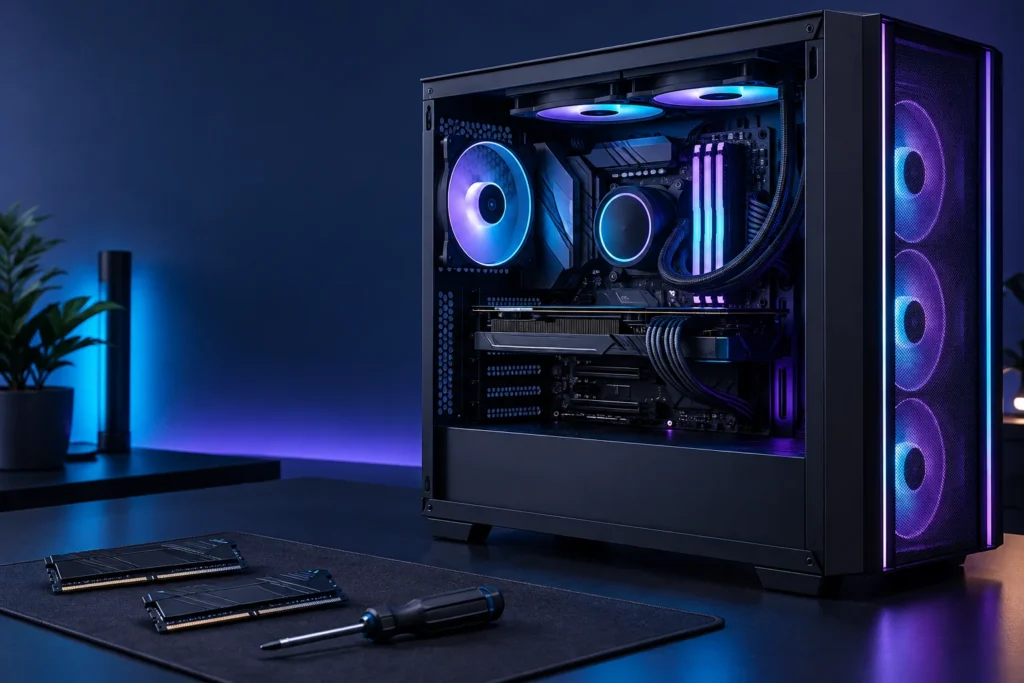
A good gaming computer in 2026 is one that suits your games, screen and everyday needs. It does not have to contain the most expensive version of every component. I would rather begin with a clear target than a shopping basket full of impressive names.
This guide focuses on how to make a decision, rather than naming a supposedly perfect machine. Hardware prices and availability change, so check current listings and recent tests before placing an order.
Start with the games and the screen
List the games you actually want to play and look up their recommended system requirements. Then decide what resolution and frame rate you would like to aim for. A fast competitive game and a visually demanding single-player adventure can lead to different priorities.
Keep your monitor in that conversation. It is easy to spend extra on performance your current display cannot show. If a new screen is part of the plan, include it in the budget from the beginning. Separate what you need today from an upgrade you may make later.
The processor: look beyond one number
The CPU handles the instructions that keep applications running. For a gaming build, I would look at performance in the intended games, not just a core count or clock speed printed on a product page. Comparisons need context: the same processor can behave differently across games and workloads.
If you will also livestream, edit video or keep several applications open, include those activities in the requirements. Check motherboard support for the exact processor, including any required firmware version, before buying the pair.
The graphics card: match it to the target
The GPU is an important part of rendering the games you see on screen. Choose it with your resolution, settings and games in mind. I would read tests that explain their settings rather than accepting an isolated frame-rate claim.
Also check the card’s physical dimensions, required power connections and manufacturer power-supply guidance. Features such as upscaling and ray tracing can matter if you want to use them, but they should be considered alongside image quality and ordinary game performance.
Memory: enough room for what you do
RAM provides working space for active applications. Many gaming systems use 16 GB or 32 GB, but the right capacity depends on the games and background software. Check the game developer’s requirements and the motherboard’s supported memory type instead of treating either capacity as a universal answer.
A matched kit makes the shopping list easier to understand. Follow the motherboard manual for the slots to use. DDR4 and DDR5 are different standards; a memory kit must match the board. Extra capacity does not solve every performance problem.
Storage: capacity and responsiveness
An SSD is a sensible starting point for the operating system and frequently used games. Think about usable capacity as well as an advertised speed. A large game library, recordings and updates can consume space quickly.
Check which drive formats and interfaces the motherboard supports. “M.2” describes a form factor and does not by itself tell you everything about compatibility. Keep a separate backup of important files; installing a fast drive does not make those files immune to loss.
Cooling and power deserve a proper plan
Choose a cooler that supports the processor and fits the case. A well-planned air-cooled build can be entirely suitable; liquid cooling is not a compulsory badge of quality. Leave clear airflow paths and check how the case is intended to take in and exhaust air.
For the power supply, use the requirements of the exact components and credible product information. Avoid selecting it only by the largest wattage number. Connections, physical fit and quality all need attention.
A balanced computer is the goal
I would finish by checking the complete specification against the original target. Have any essentials been squeezed out by an expensive extra? Is there enough budget left for the screen, software and accessories?
Explore the other PC guides for more on planning a build and comparing your options.
Further reading
- Intel: balanced components
- Intel: memory selection and build compatibility
- Intel: cooling
- AMD: example of model-specific power guidance
Technical reference links checked on 12 October 2026. This article is general guidance; check current manufacturer specifications before buying.