Why Building Your Own Gaming PC Can Be Better Than Buying Prebuilt
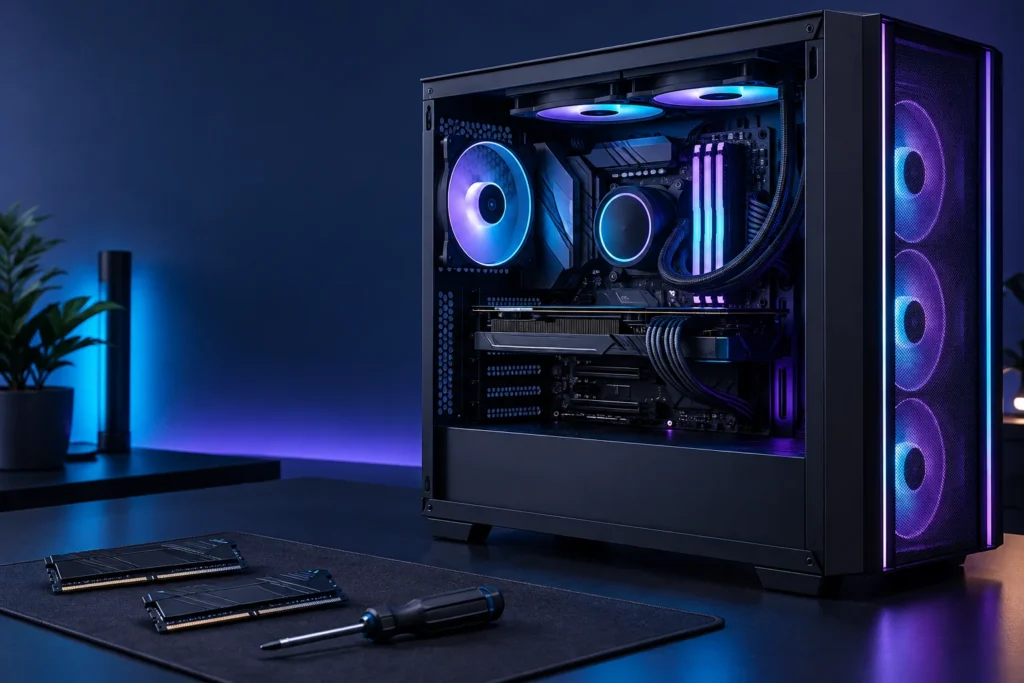
When I think about a gaming computer, I start with what it needs to do rather than how impressive the box looks. Which games will it run? What screen will it connect to? Will it also be used for livestreaming, studying or everyday work? Those questions are a useful starting point whether you buy a finished machine or choose the components yourself.
Building your own gaming PC can be a rewarding option, but it is not automatically the cheapest or easiest route. Here is how I would weigh up the decision before buying anything.
You can choose what matters to you
A parts list lets you be specific. You might prefer a quiet case to colourful lighting, need plenty of connections for a microphone and webcam, or want more storage for a growing games library. A computer should fit those priorities rather than force you to adapt to somebody else’s standard configuration.
I would write down three essentials and three things that would simply be nice to have. That makes it easier to avoid spending on extras that look appealing but do not improve the way you actually use the computer. It also gives you a fairer way to compare a custom build with a finished system.
You can see the whole specification
Do not compare computers using the processor and graphics card alone. Ask for the exact motherboard, memory kit, storage drive, power supply and case. Two computers with similar headline specifications can make different choices in those less visible areas.
A complete shopping list makes those choices easier to examine. Keep the model numbers together, check the manufacturers’ specifications and save the receipts. If something needs attention later, that information is much more useful than a description such as “fast gaming computer”.
Think about the next change, too
Before committing to a case or motherboard, I would consider how the computer might change. Is there room for another drive? Are the connections you need available? Can the case accommodate the intended graphics card and cooler? Planning for a sensible next step is more useful than promising that a machine will never need replacing.
Some finished systems are straightforward to upgrade; others use parts or layouts that limit your options. Look at the actual model rather than assuming every prebuilt has the same restrictions. Equally, a self-built PC only has the upgrade options you deliberately allow for.
Compare the real total cost
My approach would be to compare complete baskets on the same day. Include the operating system if needed, delivery, any assembly help, and accessories you genuinely require. Decide whether the monitor and peripherals belong in the same budget or a separate one.
A sale on a finished computer can change the comparison. So can a component bundle. I would not rely on a blanket claim that building always saves money. Give your research and assembly time a place in the decision as well, especially if you need the machine working quickly.
There is satisfaction in understanding the machine
Part of the appeal is making a collection of components into something useful. Even the planning stage can help you learn what the parts do and why they need to work together. That understanding can make future decisions feel less mysterious.
It is sensible to allow a calm workspace and enough time to read the manuals. There is no prize for rushing. If the process does not appeal to you, choosing a reputable finished system is still a perfectly reasonable decision.
Choose the route that suits your confidence
Check how support would work if something went wrong. A finished system may offer one place to contact, while a DIY build can involve separate component suppliers. Read the actual terms rather than assuming what is included.
Explore the other PC guides for more on planning a build and comparing your options.
Further reading
Technical reference links checked on 12 October 2026. This article is general guidance; check current manufacturer specifications before buying.